Category

Wordpress

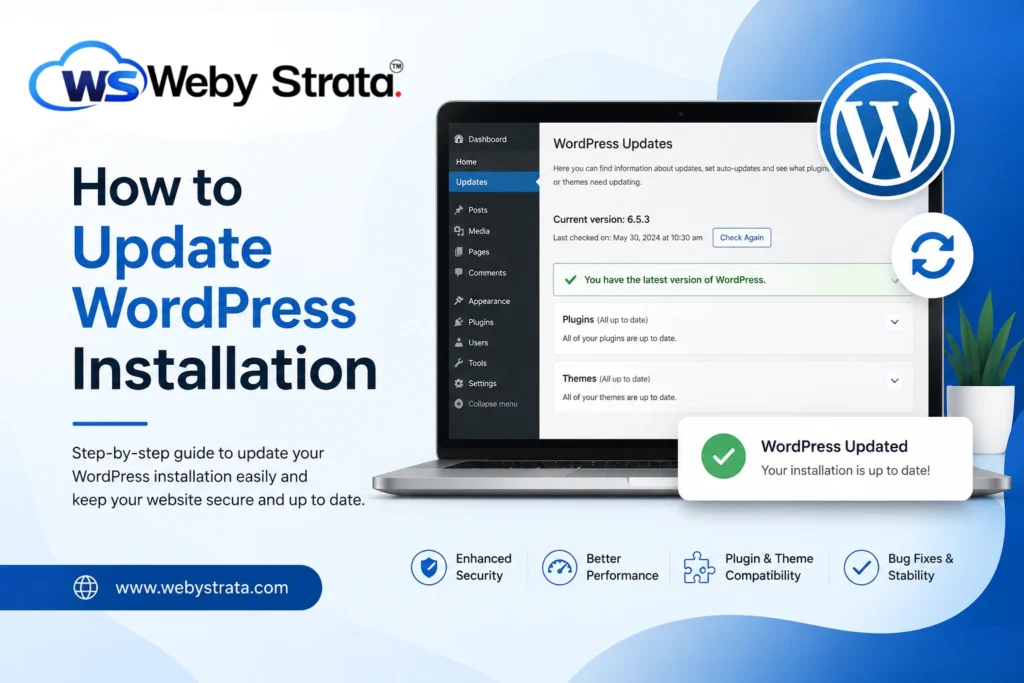
How to Update WordPress Installation

How to Update WordPress Installation

How to Update WordPress Installation WordPress powers millions of websites worldwide, making it the most popular content management system (CMS) available today. To keep your website secure, fast, and compatible with the latest technologies,… Read More
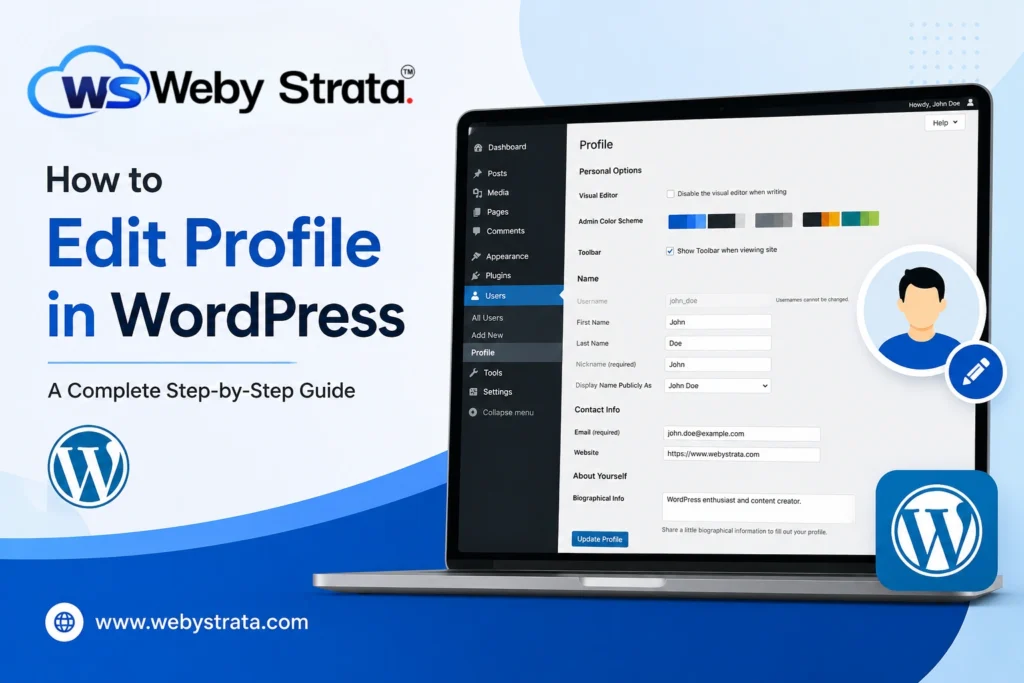
How to Edit Profile in WordPress

How to Edit Profile in WordPress

How to Edit Profile in WordPress Managing your WordPress profile is an important part of maintaining your website account. Whether you are a website administrator, editor, author, or contributor, keeping your profile information up… Read More

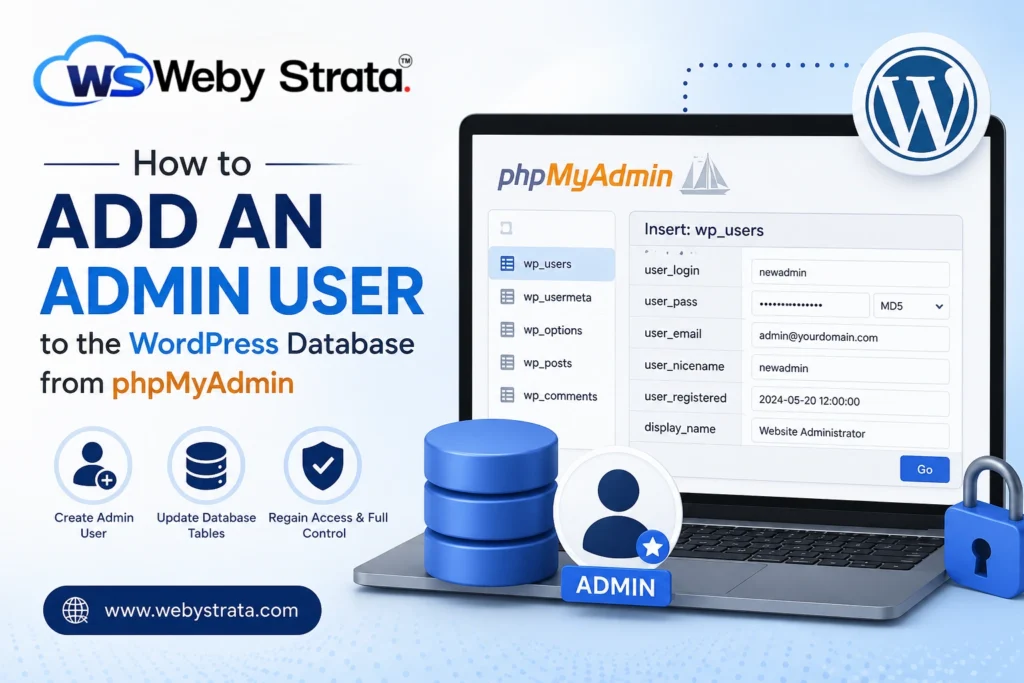
How to Add Admin User to WordPress Database from phpMyAdmin

How to Add Admin User to WordPress Database from phpMyAdmin

How to Add Admin User to  WordPress Database from phpMyAdmin WordPress administrators occasionally face situations where they are unable to access the dashboard due to forgotten credentials, deleted administrator accounts, plugin conflicts, or security… Read More

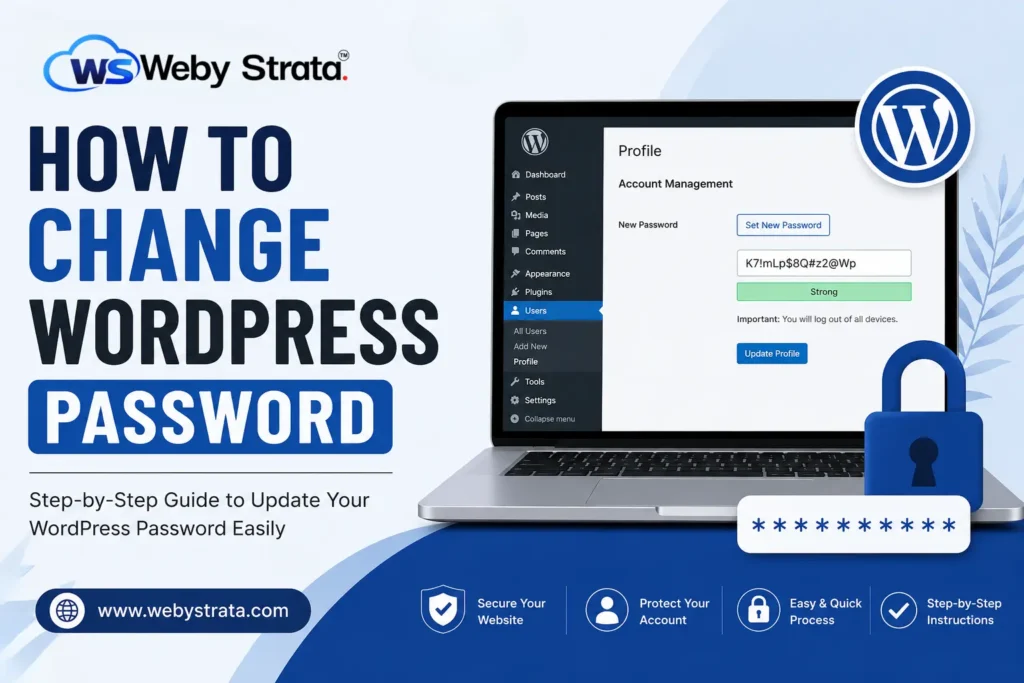
How to Change the WordPress Password

How to Change the WordPress Password

How to Change the WordPress Password Keeping your WordPress website secure should always be a top priority. One of the simplest yet most effective security measures is regularly updating your WordPress password. Whether you… Read More

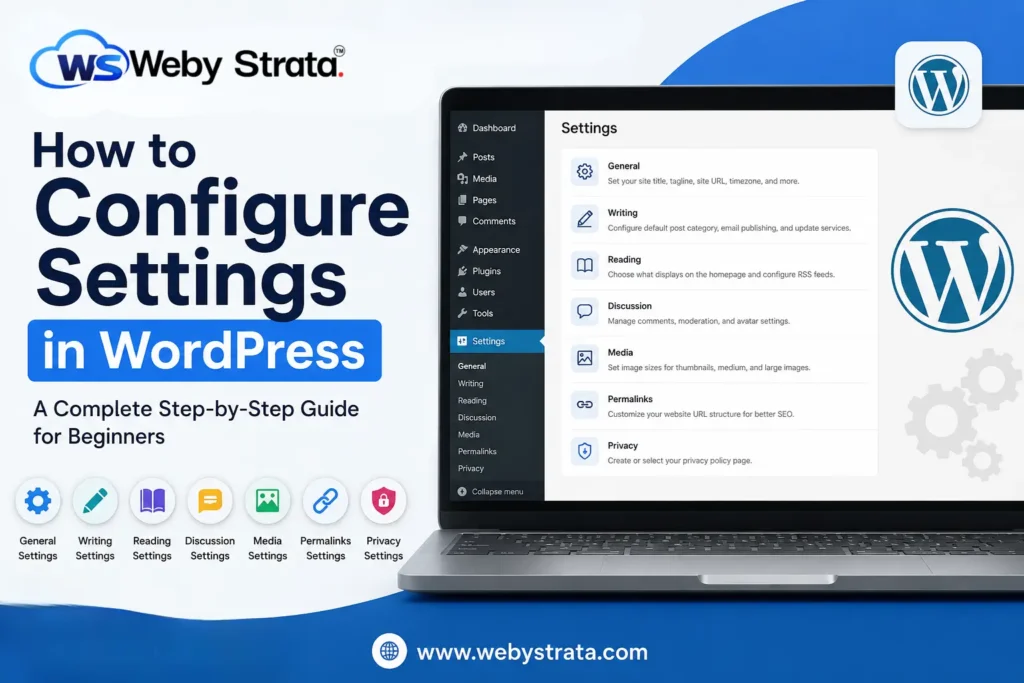
How to Configure Settings in WordPress

How to Configure Settings in WordPress

How to Configure Settings in WordPress WordPress is a powerful content management system that allows users to create and manage websites with ease. However, after installing WordPress, one of the most important tasks is… Read More

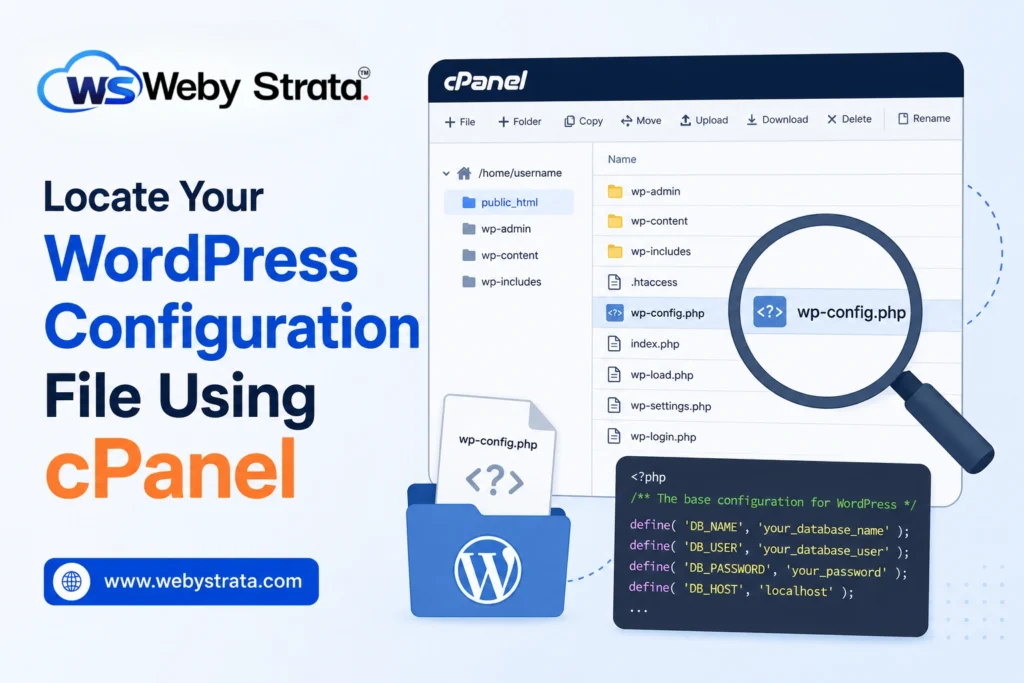
Locate Your WordPress Configuration File Using cPanel

Locate Your WordPress Configuration File Using cPanel

Locate Your WordPress Configuration File Using cPanel The WordPress configuration file, commonly known as wp-config.php, is one of the most important files in any WordPress installation. It contains essential information that allows WordPress to… Read More