Category

cPanel

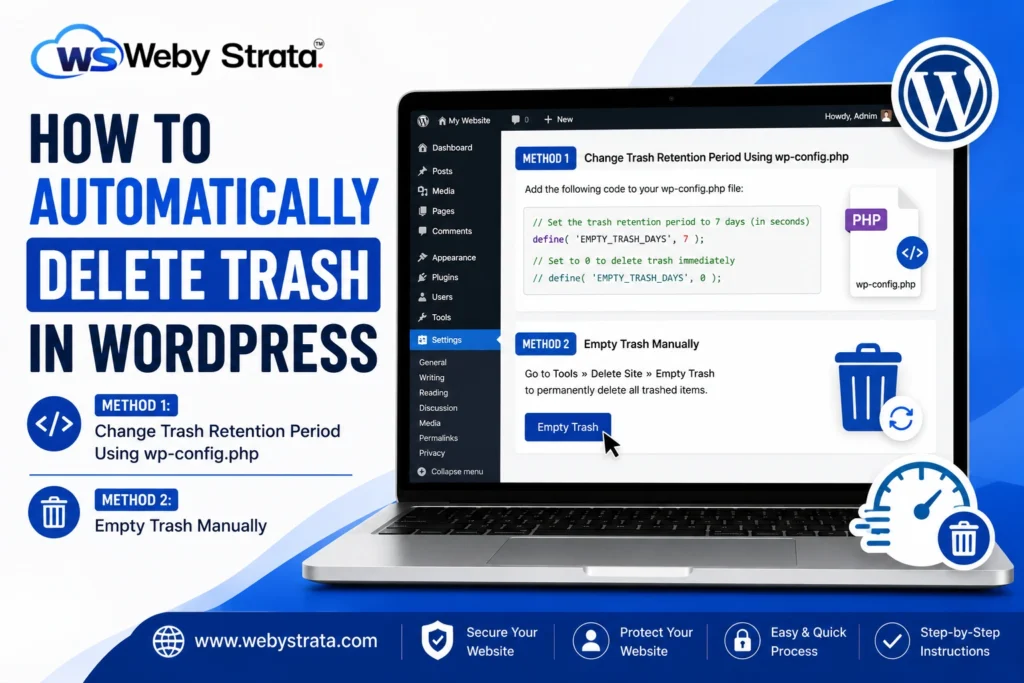
How To Automatically Delete Trash In WordPress

How To Automatically Delete Trash In WordPress

How To Automatically Delete Trash In WordPress Automatically Delete Trash In WordPress is an effective way to keep your website database clean and optimized. By default, WordPress stores deleted posts, pages, and comments in… Read More
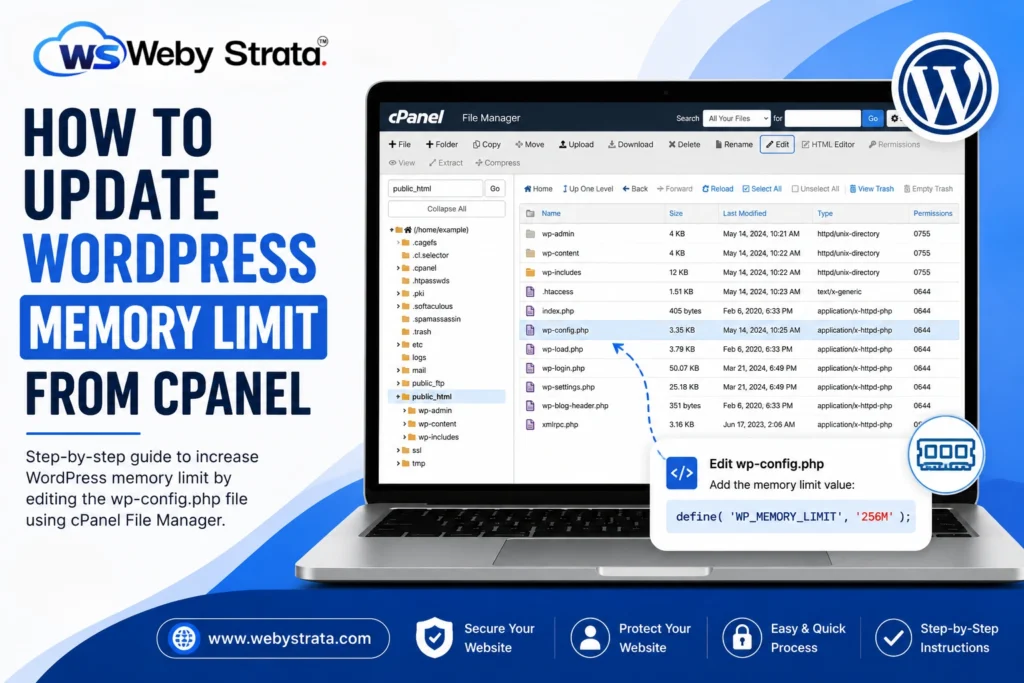
How to Update WordPress Memory Limit from cPanel

How to Update WordPress Memory Limit from cPanel

How to Update WordPress Memory Limit from cPanel WordPress is one of the most powerful and widely used content management systems available today. However, as your website grows with additional plugins, themes, media files,… Read More

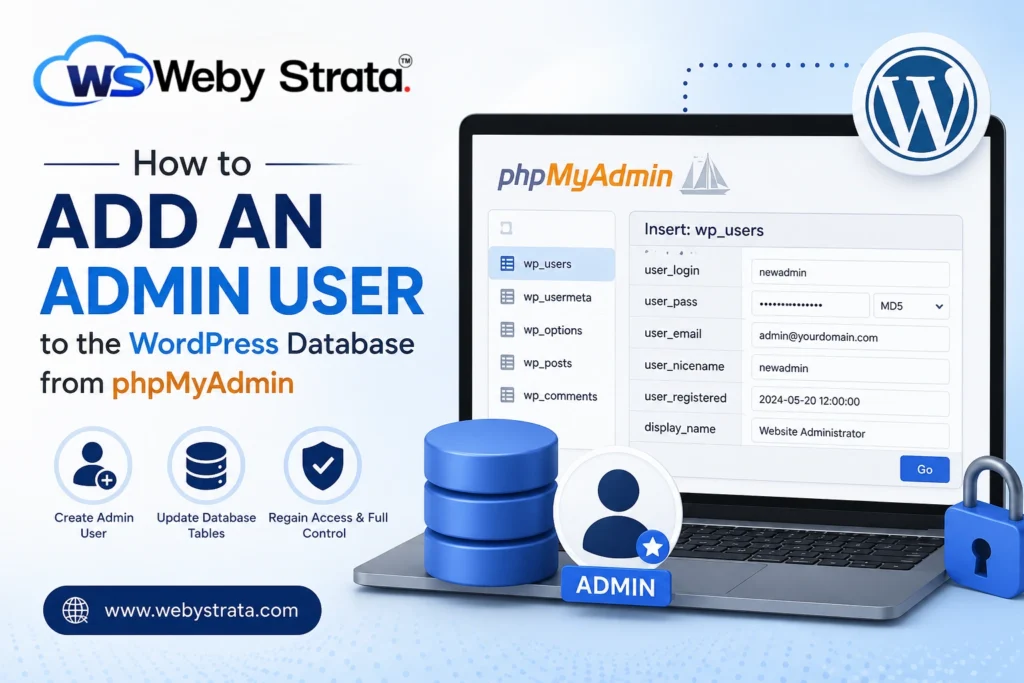
How to Add Admin User to WordPress Database from phpMyAdmin

How to Add Admin User to WordPress Database from phpMyAdmin

How to Add Admin User to  WordPress Database from phpMyAdmin WordPress administrators occasionally face situations where they are unable to access the dashboard due to forgotten credentials, deleted administrator accounts, plugin conflicts, or security… Read More

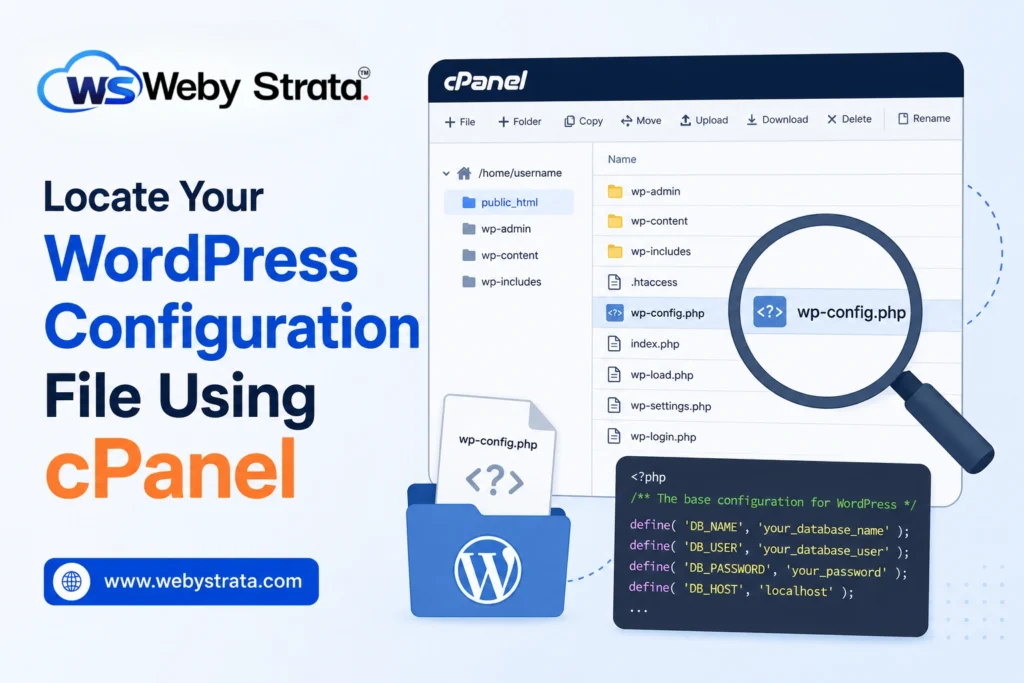
Locate Your WordPress Configuration File Using cPanel

Locate Your WordPress Configuration File Using cPanel

Locate Your WordPress Configuration File Using cPanel The WordPress configuration file, commonly known as wp-config.php, is one of the most important files in any WordPress installation. It contains essential information that allows WordPress to… Read More

How to Fix Image Links After a WordPress Migration

How to Fix Image Links After a WordPress Migration

How to Fix Image Links After a WordPress Migration Migrating a WordPress website to a new hosting provider, server, or domain name is a common process. While WordPress migrations are usually straightforward, one issue… Read More

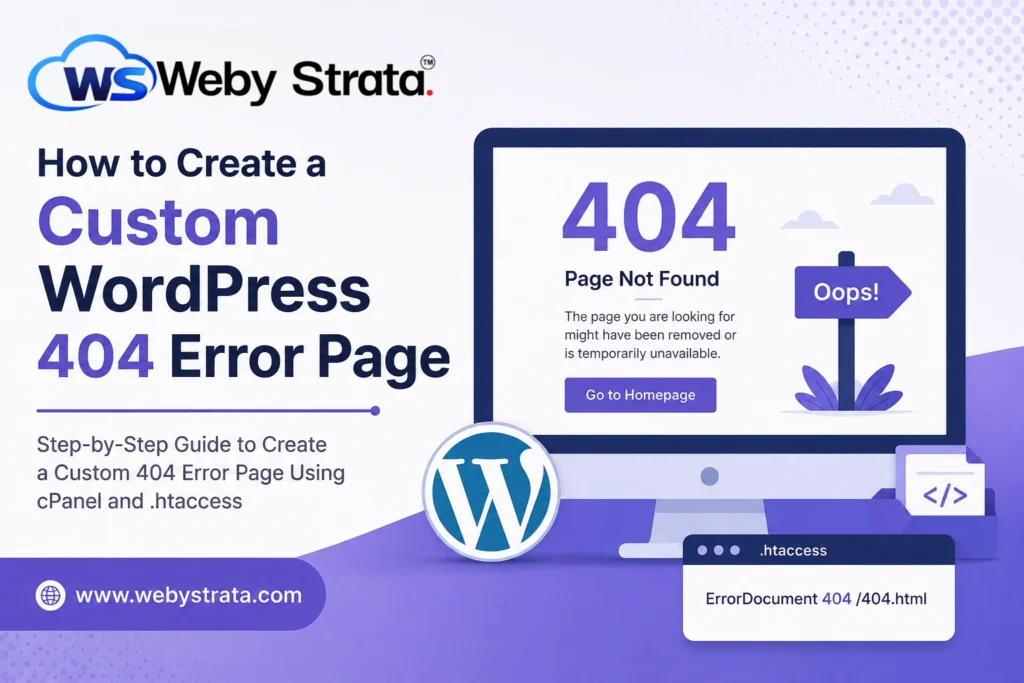
How to Create a Custom WordPress 404 Error Page

How to Create a Custom WordPress 404 Error Page

How to Create a Custom WordPress 404 Error Page Every website visitor expects to find the information they are looking for quickly and easily. However, there are times when a page may no longer… Read More