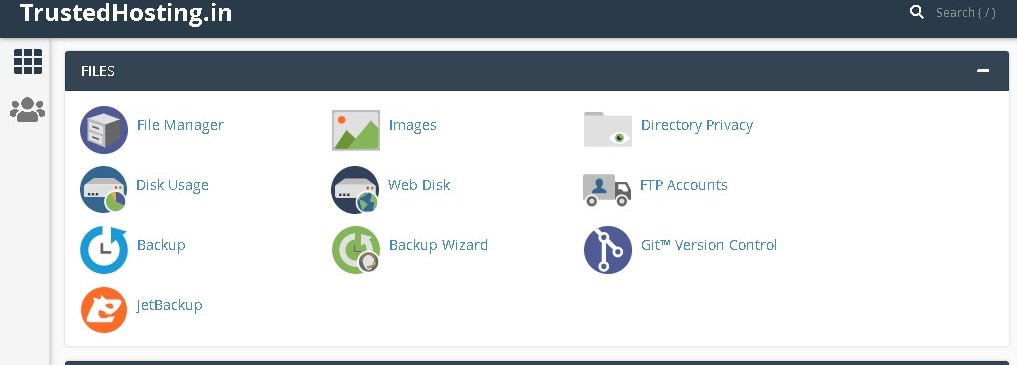
How to redirect HTTP to HTTPS Using htaccess
On Your Cpanel Dashboard Go To Filemanager > Public_html Right Click On .httaccess file & click on edit Paste the code & click on save it RewriteEngine On… Read More
Category
On Your Cpanel Dashboard Go To Filemanager > Public_html Right Click On .httaccess file & click on edit Paste the code & click on save it RewriteEngine On… Read More
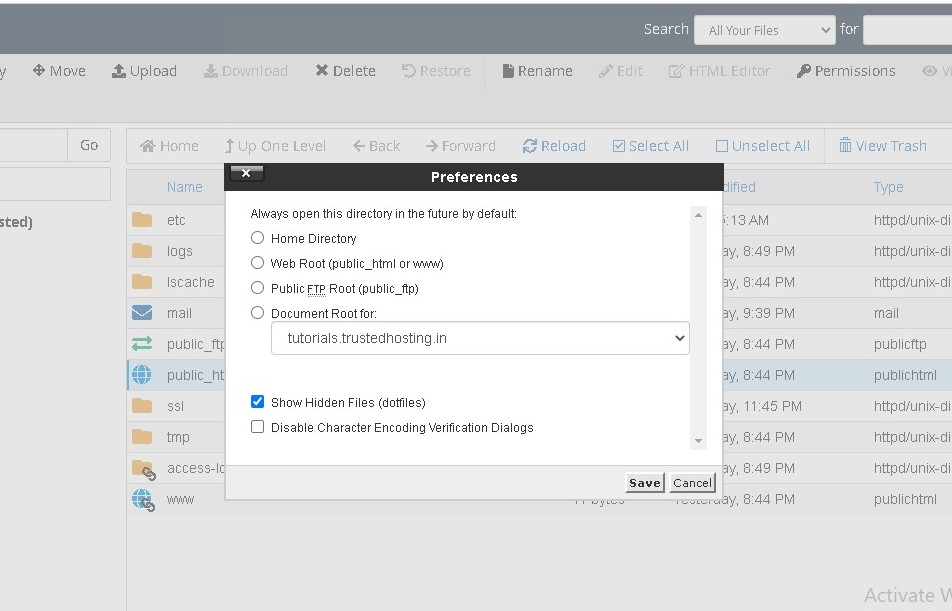
On your cpanel dashboard go to Filemanager Click Settings in the upper right corner Select your Document Root and check the box for Show hidden files and click Save Originally published on WebyStrata.com Blog. Read More
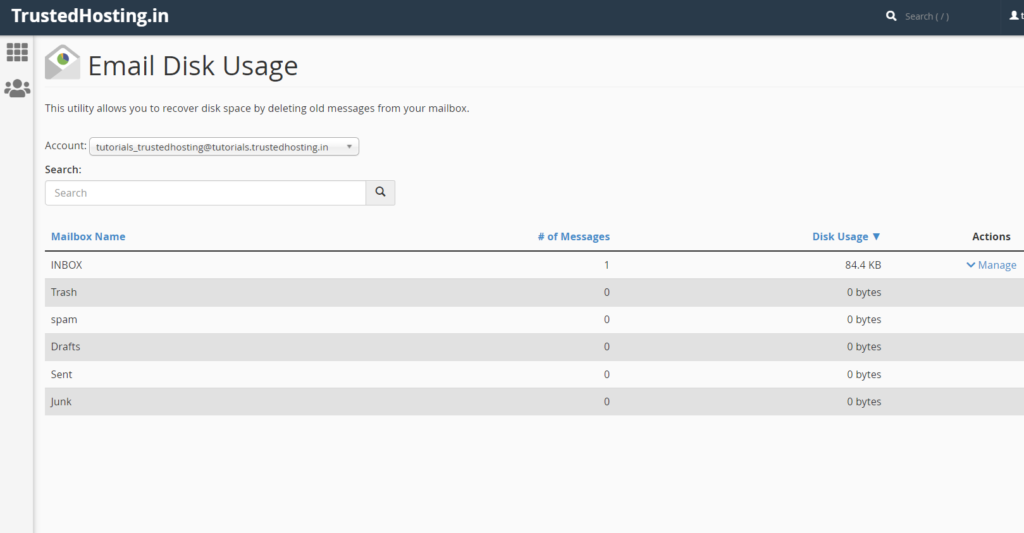
1 .Email Disk Usage On your account cPanel interface, you will find the Email Disk Usage feature. This feature allows you to view all of your mailboxes and quickly remove old emails or large messages. 2.The… Read More
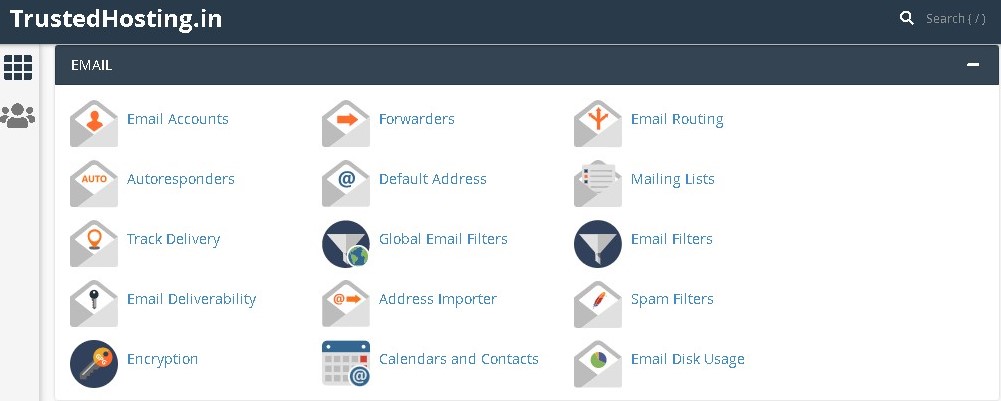
One of the many benefits of owning a domain name is that you can create custom, professional domain email addresses. All Doteasy web hosting plans come with domain email capability, though the number… Read More
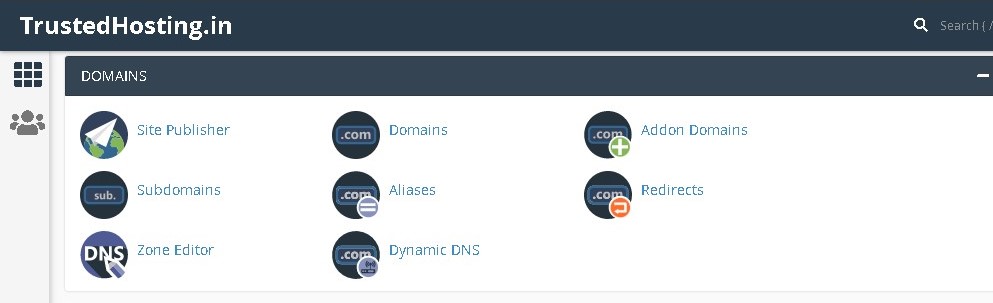
You can use subdomains to create unique, separate content areas of your website. For example, blog.yourdomain.com and shop.yourdomain.com. Subdomains are created using the Subdomains tool in cPanel. Click on Subdomains under Domain in cPanel. 2.Under Create a Subdomain, enter… Read More

xmlrpc.com is a WordPress file that was intended to be used for API’s but lately it’s more and more used as a way for hackers to brute-force WordPress installations. To block access to xmlrpc.php… Read More