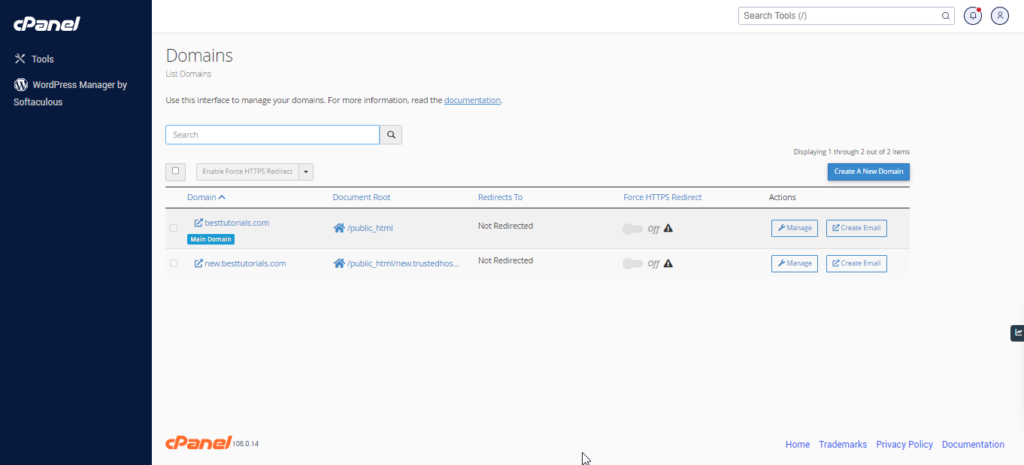
Addon Domains – cPanel
Log into cPanel on the account to add the domain on. Click "Domains" under the "Domains" section. Click the "Create A New Domain" button. Enter the domain name to add in the "Domain" text… Read More
Category
Log into cPanel on the account to add the domain on. Click "Domains" under the "Domains" section. Click the "Create A New Domain" button. Enter the domain name to add in the "Domain" text… Read More
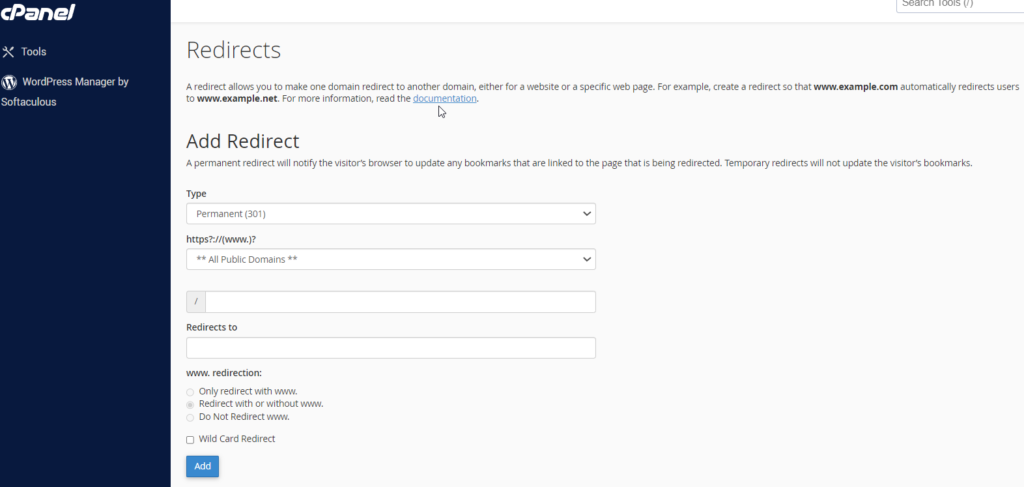
The redirect interface allows you to send all the visitors or traffic of a Domain or a particular webpage to a new domain. For example, if you moved your website to a new domain… Read More

Log into cPanel on the account to add the subdomain on. Click "Domains" under the "Domains" section. Click the "Create A New Domain" button. Enter the subdomain name to add in the "Domain"… Read More
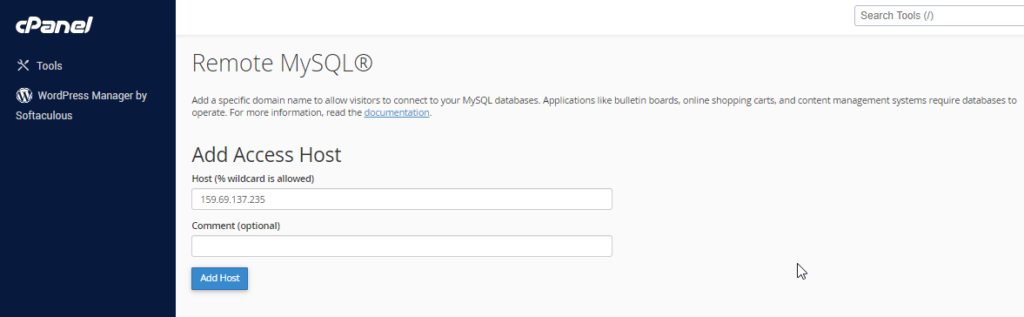
This feature of cPanel allows remote servers or web application to access a database hosted on your account. If a server or web application tries to access the database on your account, which is… Read More

The phpMyAdmin is a third-party tool to manage tables and data inside a database. It is graphical user interface to manage MySQL databases. You can manually create Tables, Import and Export data or edit… Read More
This feature of cPanel allows remote servers or web application to access a database hosted on your account. If a server or web application tries to access the database on your account, which is… Read More