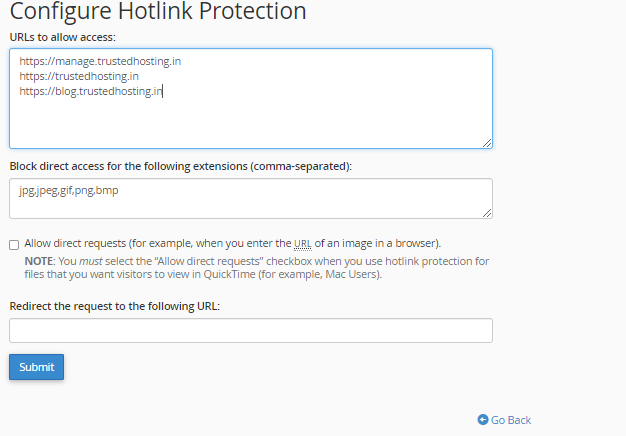
Hotlink Protection – cPanel
Hotlink Protection prevents other websites to directly load data from your website. For example, when somebody links an Image on your website to load up on his website, when a visitor visits the other… Read More
Category
Hotlink Protection prevents other websites to directly load data from your website. For example, when somebody links an Image on your website to load up on his website, when a visitor visits the other… Read More
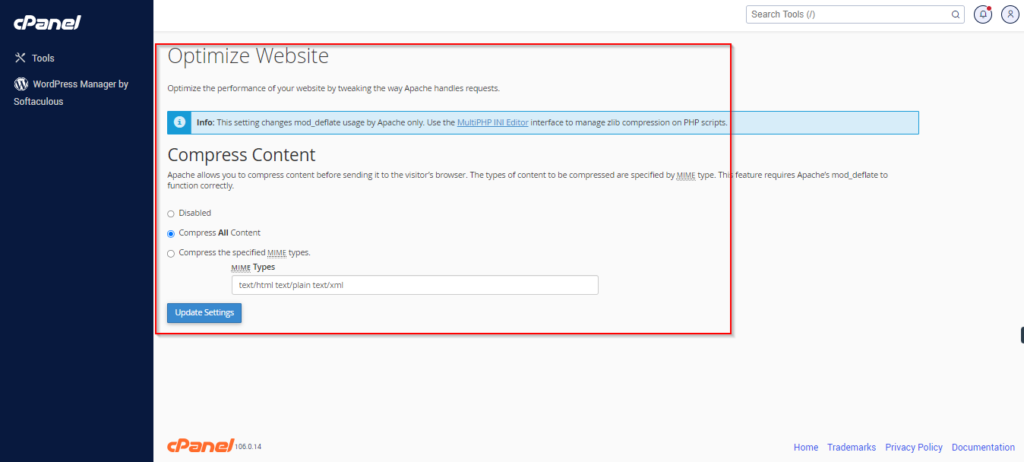
This interface of cPanel helps you to enable gzip compression. Apache allows you to compress the data before sending it to the browser and then web browser extracts the data and displays the webpage. All modern… Read More
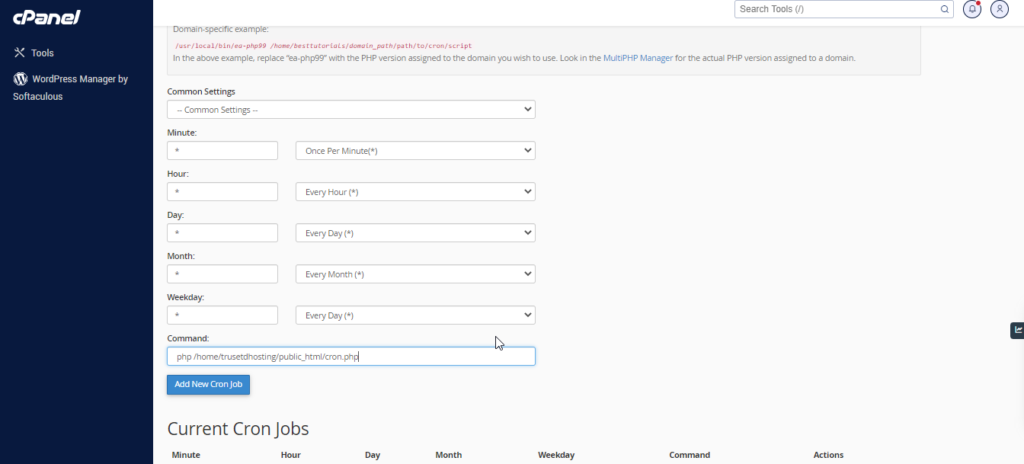
If you want to run a command or a php program on a specified time interval like once a day or once a week, you can setup cron jobs in this interface. Cron jobs allow you to run… Read More
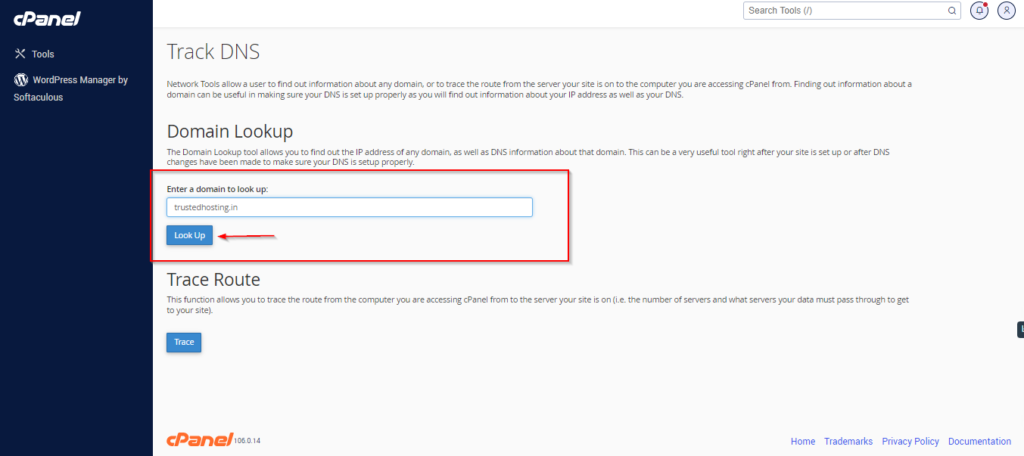
You can use this interface of cPanel to find out the general DNS of a domain. It will give you the IP address of that domain, mail servers and raw DNS information. This can… Read More
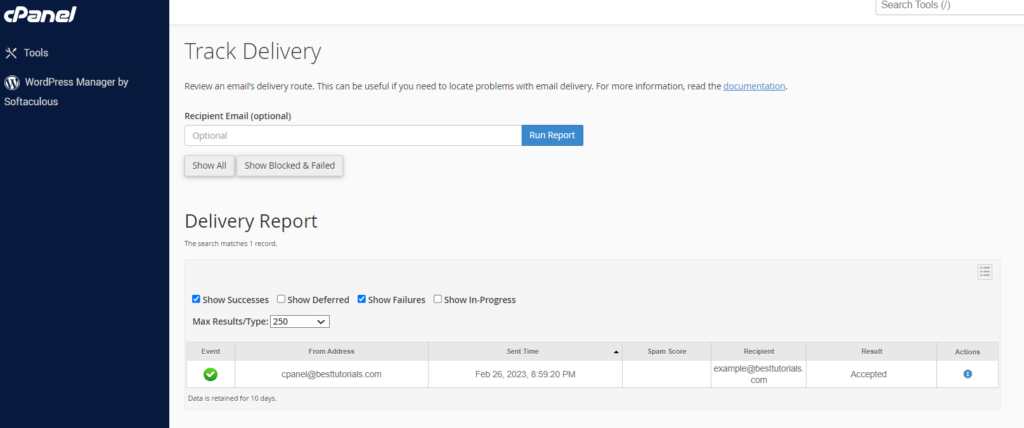
This Interface of cPanel is used to see delivery reports of emails. This interface can show the errors, while sending your email. You can also see spam scores of your emails. A spam score… Read More
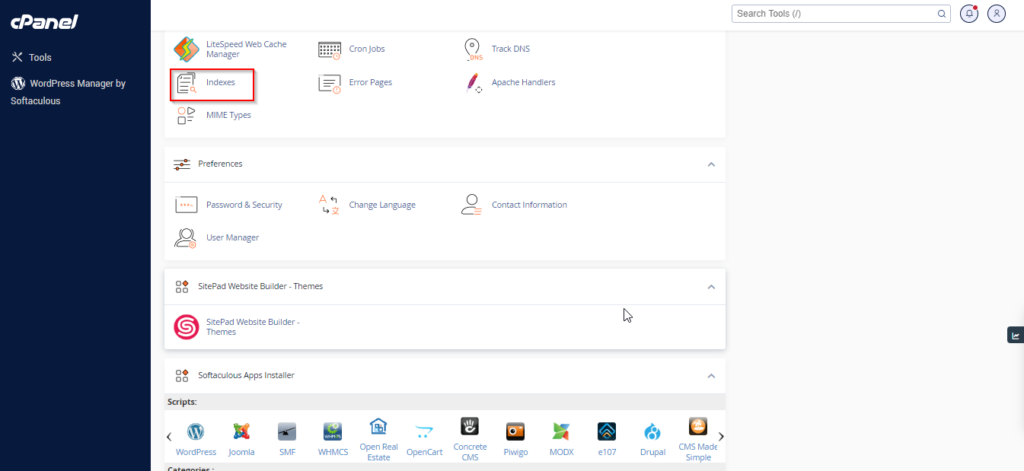
You can customize the way a directory looks in your website. By default, cPanel displays the list of files and directories, if there is no index file in that directory. You can choose the… Read More