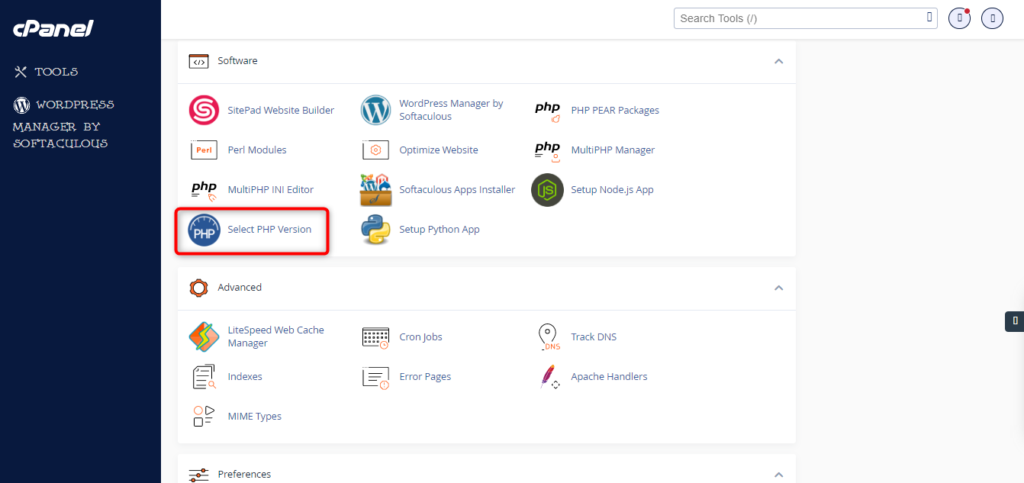
How to change Php Version At PHP Selector
On your cPanel dashboard go to Select PHP Version 3. Here you will see the list of available modules and extensions. If you do not need to change the PHP version and just want to turn on/off… Read More
Category
On your cPanel dashboard go to Select PHP Version 3. Here you will see the list of available modules and extensions. If you do not need to change the PHP version and just want to turn on/off… Read More
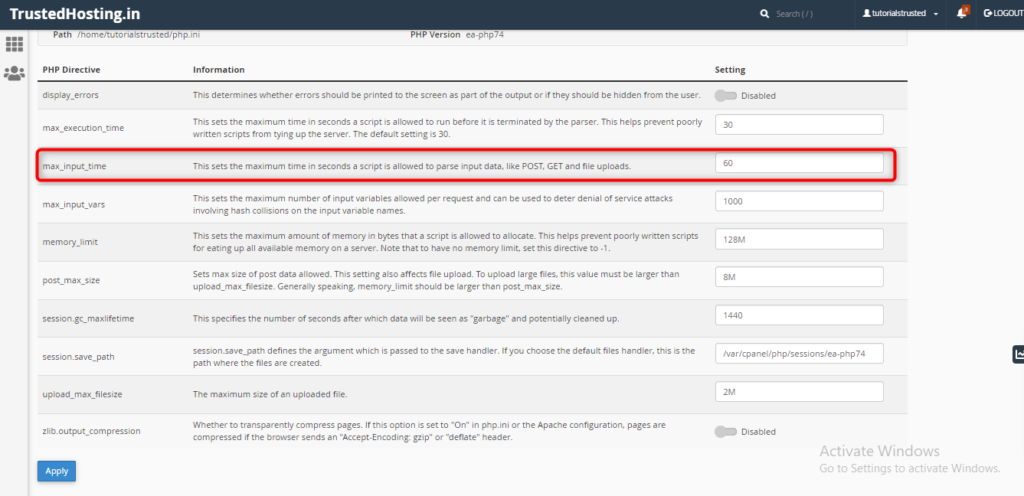
On your cPanel dashboard look for the Software section & click on MultiPHP Ini Editor select a domain from the dropdown that you want to increase the max_input_time Below “PHP Directive”, scroll down to “max_input_time”. Once you enter the… Read More
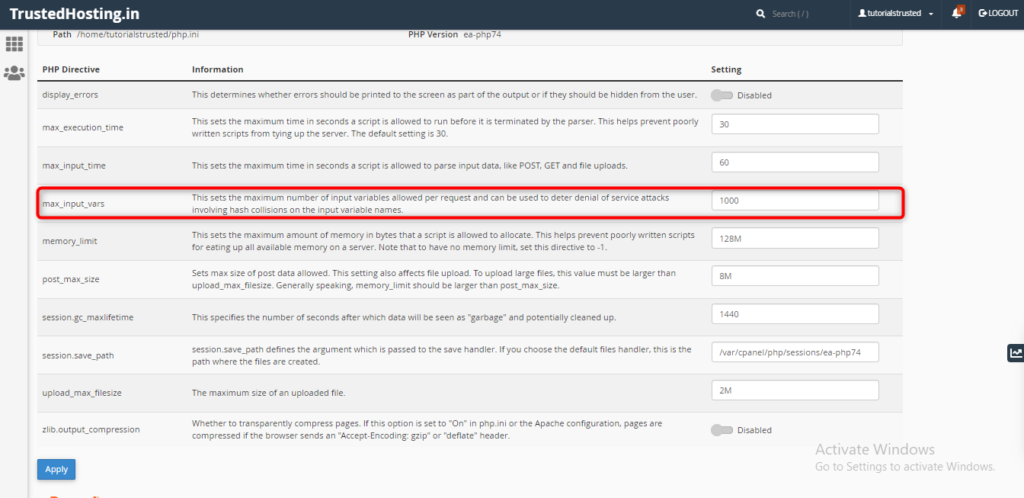
On your cPanel dashboard look for the Software section & click on MultiPHP Ini Editor select a domain from the dropdown that you want to increase the max_input_vars Below “PHP Directive”, scroll down to “max_input_vars”. Once you enter the… Read More
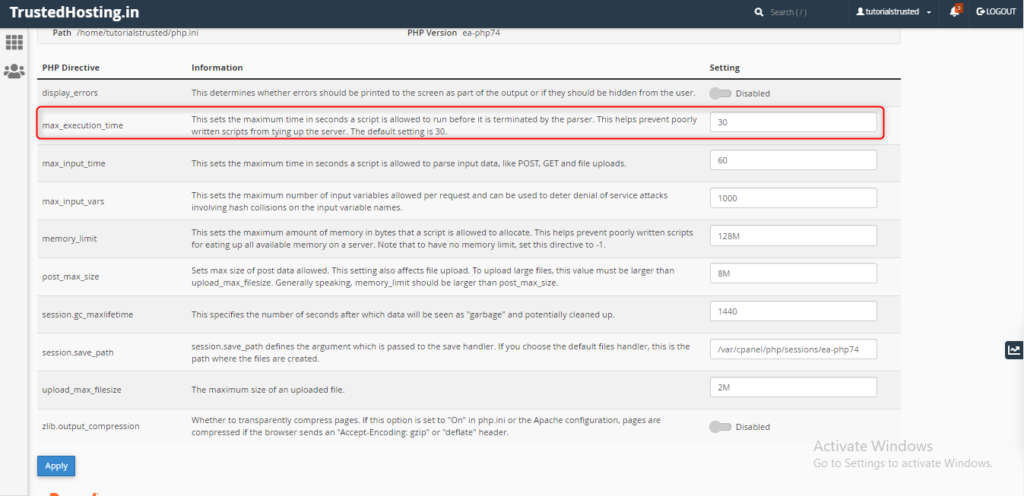
On your cPanel dashboard look for the Software section & click on MultiPHP Ini Editor select a domain from the dropdown that you want to increase the max_execution_time Below “PHP Directive”, scroll down to “max_execution_time”. Once you enter… Read More
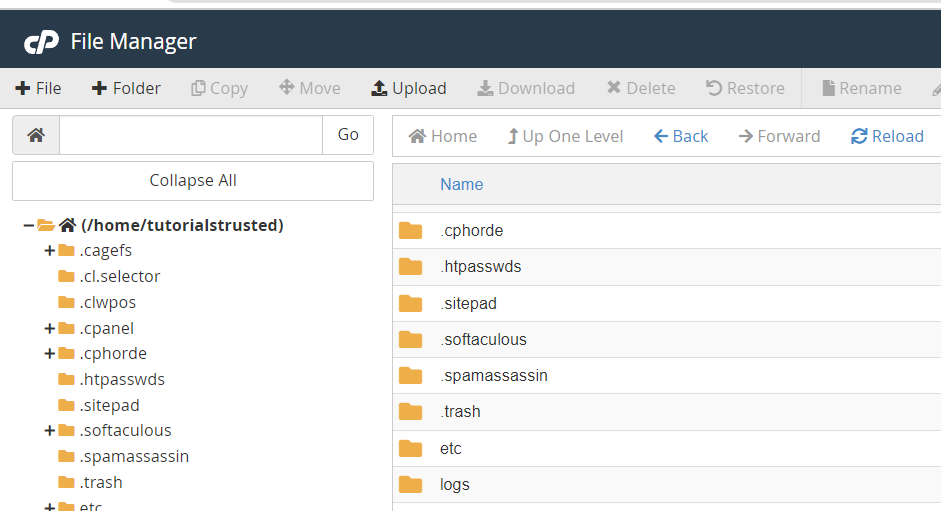
You can start uploading files through File Manager by clicking on the Upload icon. Navigate to the folder where you want to upload your files. For example, to upload files to the root directory, you will… Read More
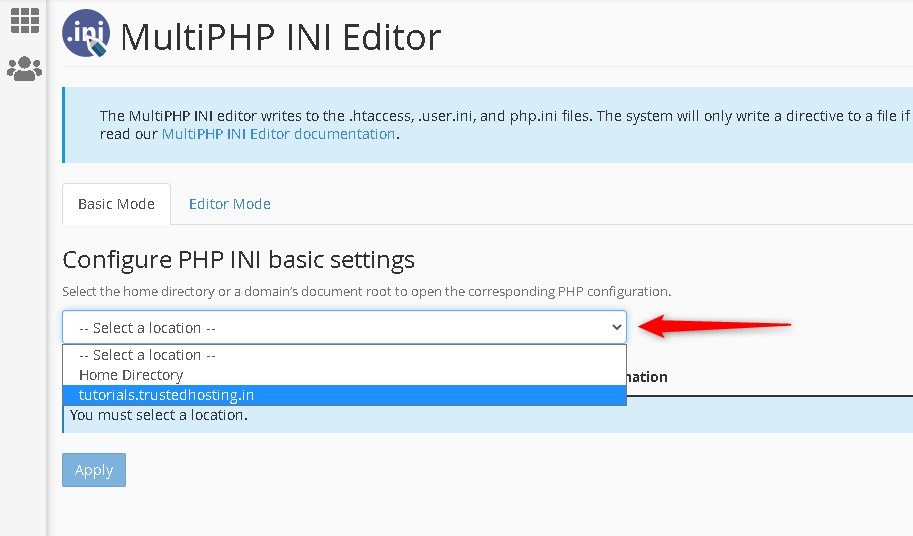
On your cPanel dashboard look for the Software section & click on MultiPHP Ini Editor select a domain from the dropdown that you want to increase the max upload size. Below "PHP Directive", scroll… Read More