Category

cPanel

How to View Error logs in cPanel

How to View Error logs in cPanel

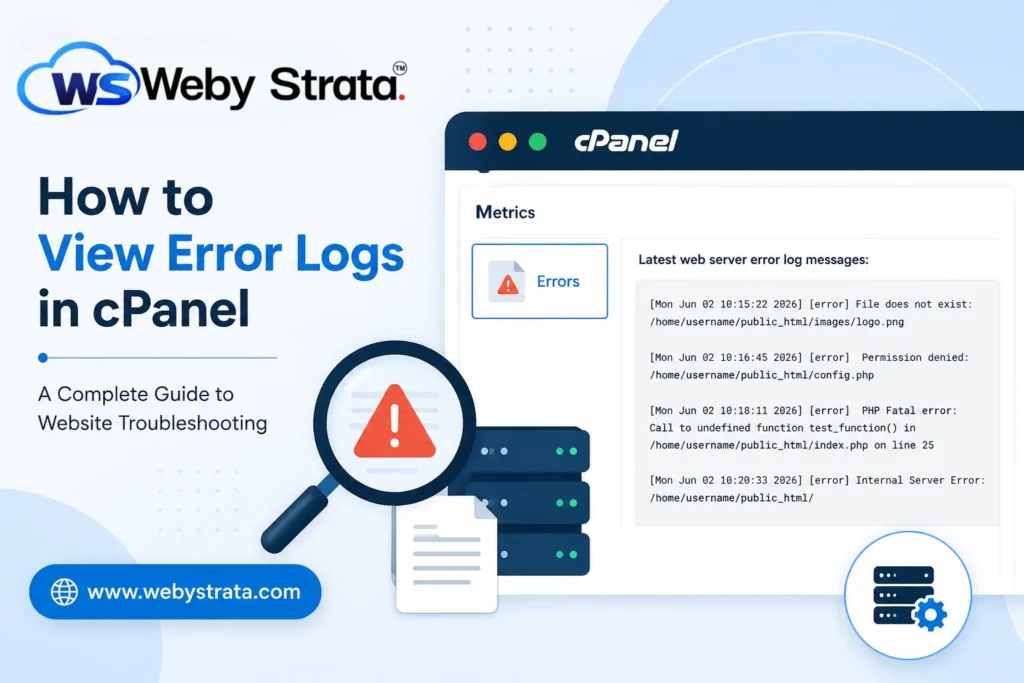
How to View Error Logs in cPanel Website errors can occur unexpectedly and may affect your visitors, search engine rankings, and overall user experience. Whether you encounter a blank page, broken functionality, missing images,… Read More
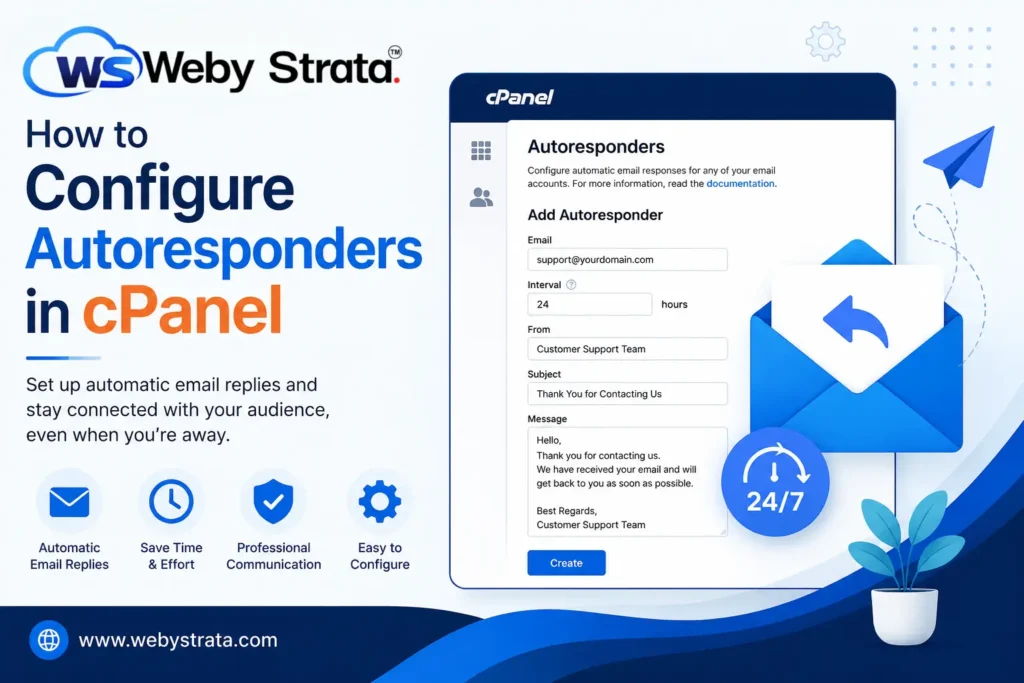
How to Configure Autoresponders in cPanel

How to Configure Autoresponders in cPanel

How to Configure Autoresponders in cPanel Effective communication is essential for any business, organization, or website owner. Whether you receive customer inquiries, support requests, partnership proposals, or general questions, responding to emails promptly helps… Read More

How to change Php Version At PHP Selector

How to change Php Version At PHP Selector

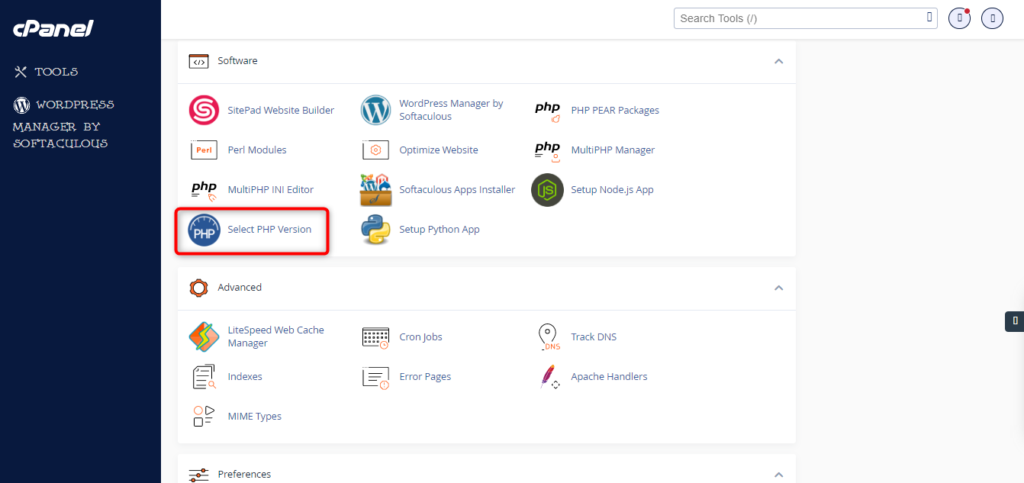
On your cPanel dashboard go to Select PHP Version 3. Here you will see the list of available modules and extensions. If you do not need to change the PHP version and just want to turn on/off… Read More

How to increase max input time in cpanel

How to increase max input time in cpanel

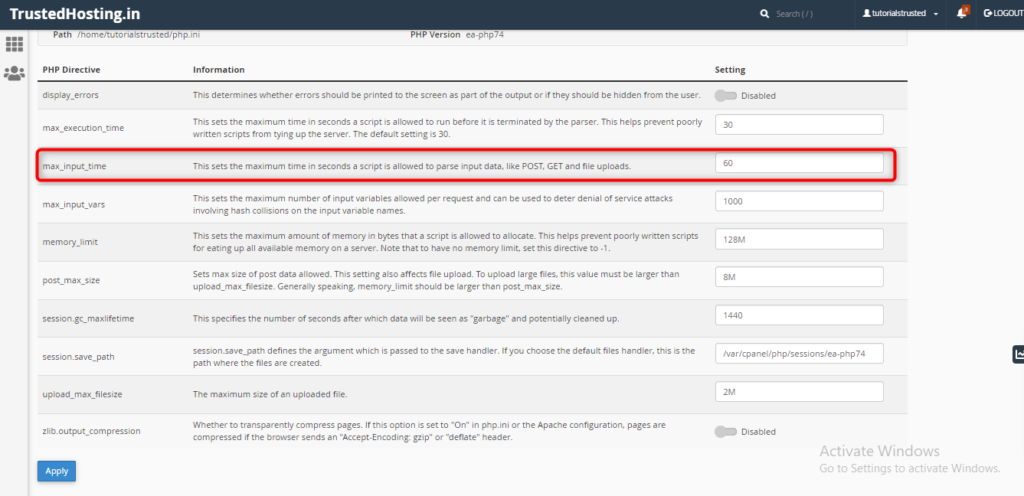
On your cPanel dashboard look for the Software section & click on MultiPHP Ini Editor select a domain from the dropdown that you want to increase the max_input_time Below “PHP Directive”, scroll down to “max_input_time”. Once you enter the… Read More

How to increase max input vars in cpanel

How to increase max input vars in cpanel

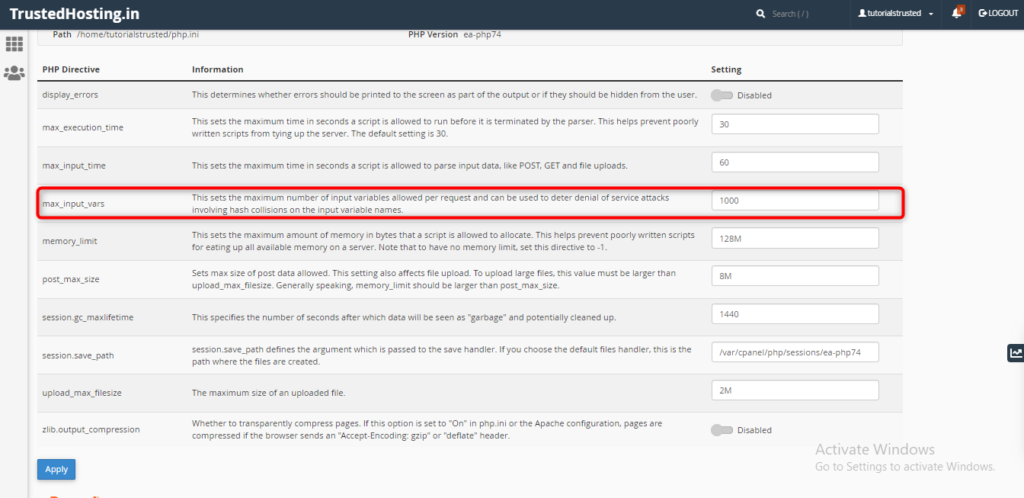
On your cPanel dashboard look for the Software section & click on MultiPHP Ini Editor select a domain from the dropdown that you want to increase the max_input_vars Below “PHP Directive”, scroll down to “max_input_vars”. Once you enter the… Read More

How to increase max_execution_time in Cpanel

How to increase max_execution_time in Cpanel

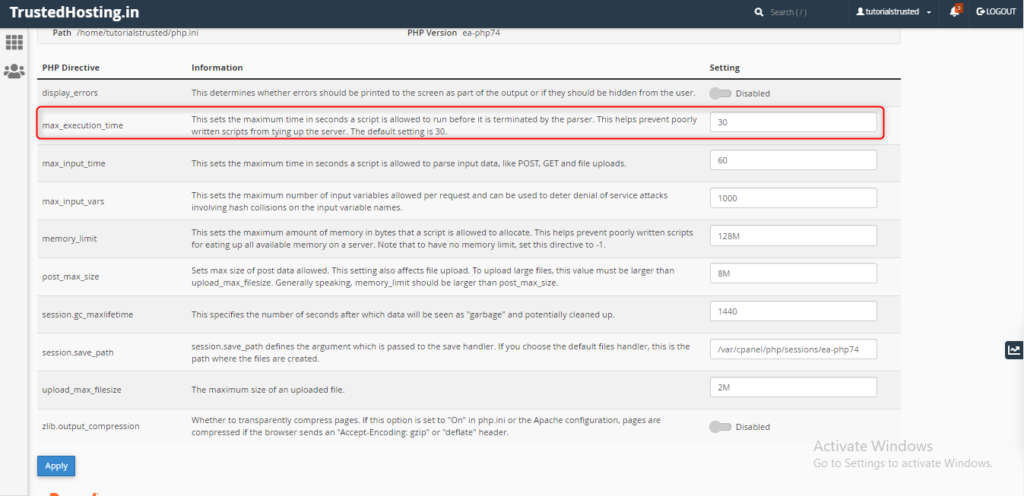
On your cPanel dashboard look for the Software section & click on MultiPHP Ini Editor select a domain from the dropdown that you want to increase the max_execution_time Below “PHP Directive”, scroll down to “max_execution_time”.   Once you enter… Read More