cPanel
How to show hidden files in Filemanager
On your cpanel dashboard go to Filemanager Click Settings in the upper right corner Select your Document Root and check the box for Show hidden files and click Save Originally published on WebyStrata.com Blog.
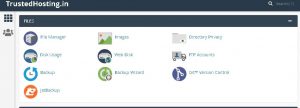
- On your cpanel dashboard go to Filemanager
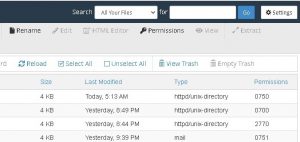
- Click Settings in the upper right corner
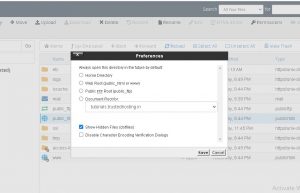
- Select your Document Root and check the box for Show hidden files and click Save
Originally published on WebyStrata.com Blog.
Related Articles